
Create interactive before and after image sliders for WordPress with Exindium Before/After Compare. From beauty transformations and vehicle repairs to photo restoration and everyday photography, showcase visual differences with a lightweight, responsive plugin. No coding required.
Exindium Before/After Compare
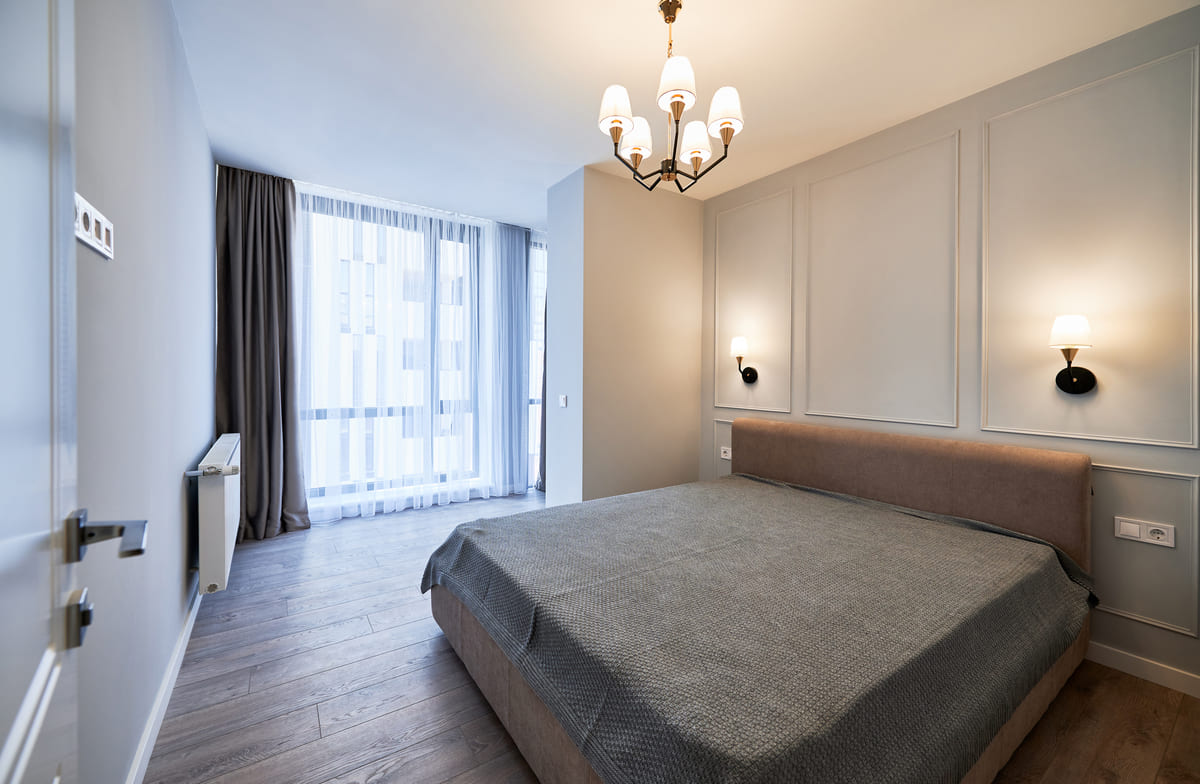
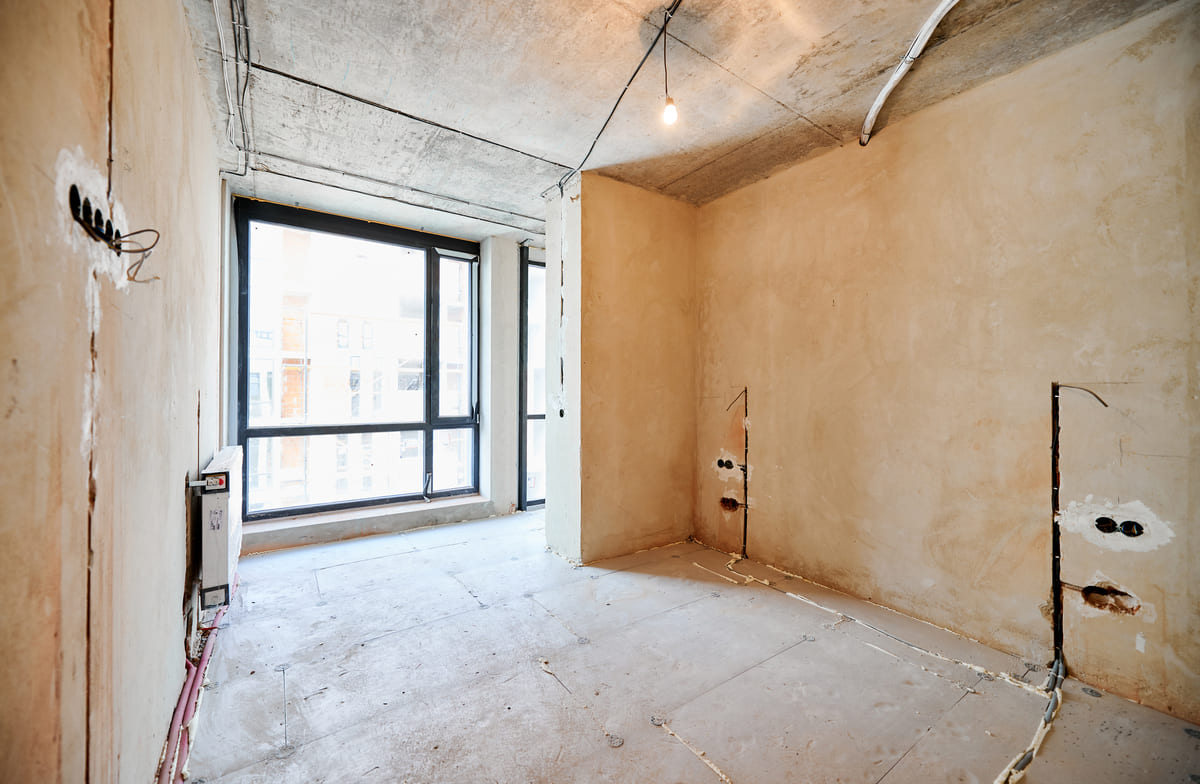
Drag the slider to explore the image comparison.
The visual difference
Show the difference, not just the result.
Turn two images into an interactive before and after comparison. Give visitors a simple way to explore transformations for themselves.
01 – Practical inspiration
One Slider. Endless Ways to Show the Difference.
Bring visual transformations to life with an interactive before and after slider for WordPress. Choose a use case and explore the comparison below.
USE CASE 01 / 04
Showcase Beauty Transformations
From bridal hairstyling and makeup to hair coloring and salon makeovers, present your work through interactive before and after comparisons. Let visitors explore the results themselves and see the difference your services make.


Drag the slider to explore the image comparison.
USE CASE 02 / 04
Highlight Repairs & Restorations
From collision repairs and paint restoration to detailing and vehicle makeovers, showcase your work with clear visual comparisons. Let potential customers see the condition of a vehicle before and after the repair process.
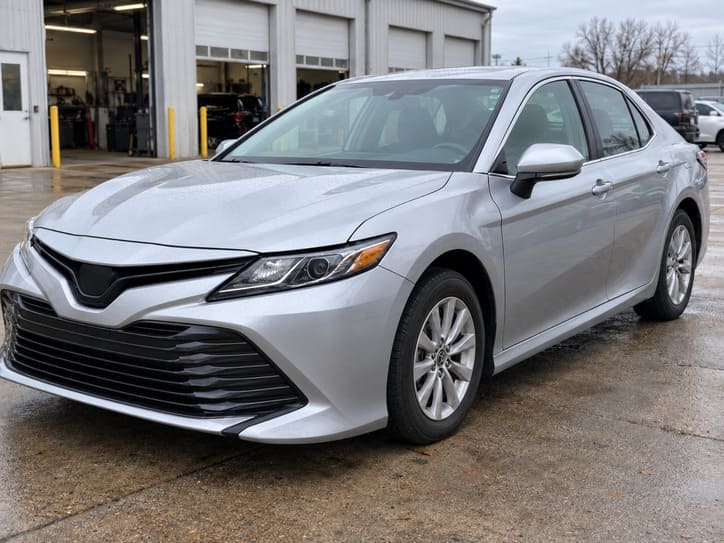

Drag the slider to explore the image comparison.
USE CASE 03 / 04
Reveal the Art of Photo Restoration
Show the transformation of faded, damaged, or black-and-white photographs into restored images. Whether you’re a professional photo editor or simply restoring family memories, an interactive comparison makes it easy to reveal every improvement.

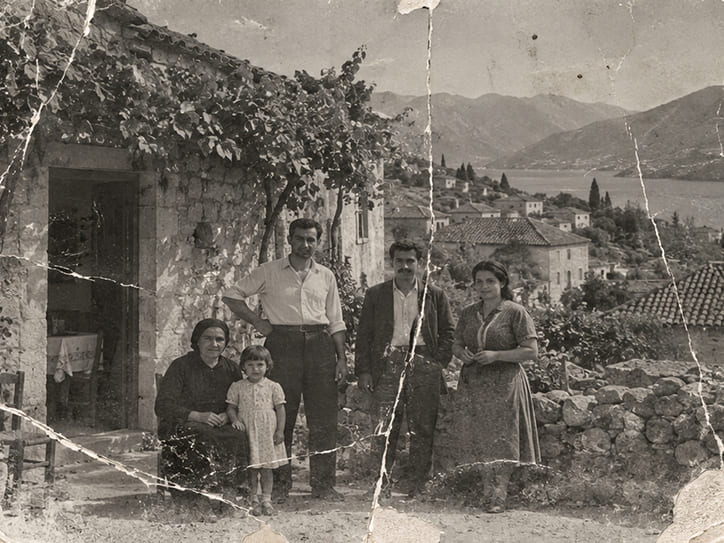
Drag the slider to explore the image comparison.
USE CASE 04 / 04
Capture Changes Over Time
Not every comparison needs a dramatic transformation. From changing seasons and weather conditions to gardens, landscapes, and everyday moments, compare photographs taken at different times. A simple way to share visual stories on your personal website or blog.


Drag the slider to explore the image comparison.
02 – See the workflow
Build, Preview, and Manage Your Image Comparisons.
A visual editor and straightforward dashboard make creating WordPress before and after sliders simple.
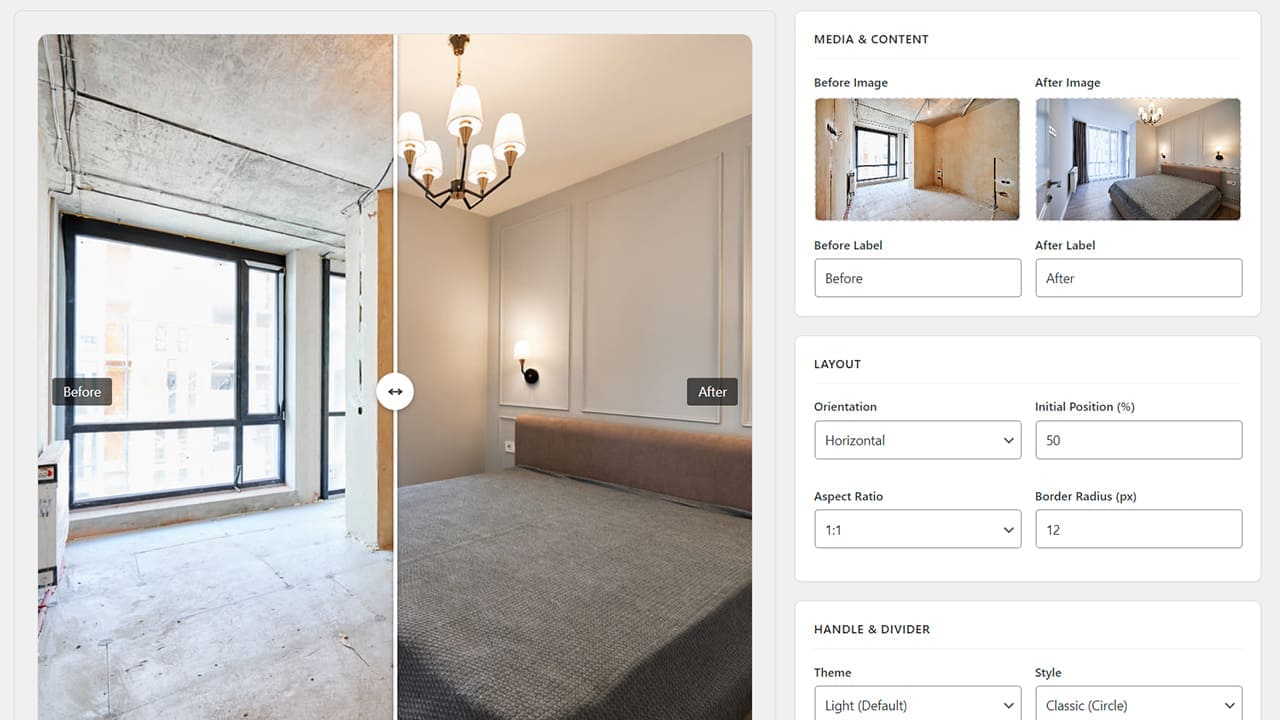
Create Before & After Sliders
with a Live Visual Editor
Build and customize your WordPress image comparison sliders with instant visual feedback. Adjust layouts, labels, colors, and slider settings while seeing your changes in real time. No page reloads, no guesswork, and no coding.
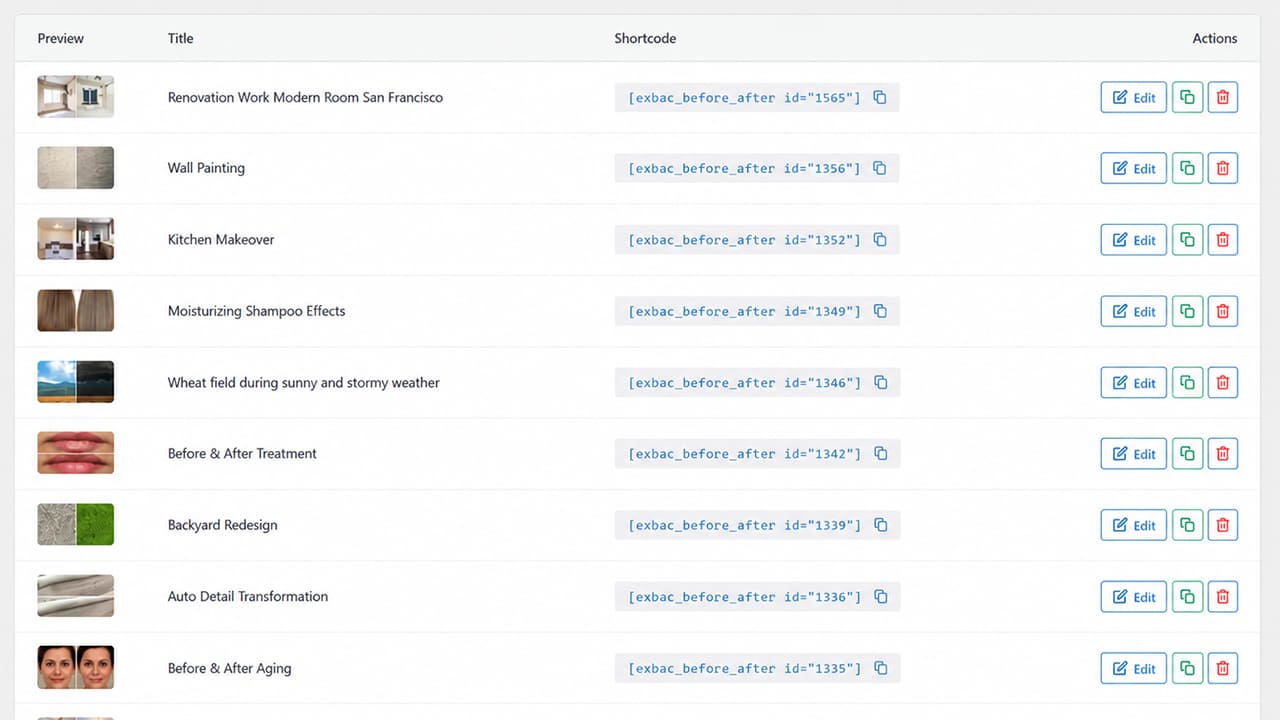
Manage All Your Image
Comparisons in One Place
Keep your before and after sliders organized with a clean WordPress dashboard. Create new comparisons, edit existing sliders, duplicate configurations, and quickly access shortcodes for easy placement on your site.
03 – Plugin details
About Exindium Before/After Compare
A lightweight WordPress image comparison plugin for creators, designers, developers, and agencies. Use the live editor, responsive layouts, shortcode placement, and WPML or Polylang integration to present comparisons on multilingual websites.
Ready to Showcase the Difference?
Turn ordinary before and after images into interactive visual comparisons. Download Exindium Before/After Compare for WordPress and start creating responsive sliders in minutes.